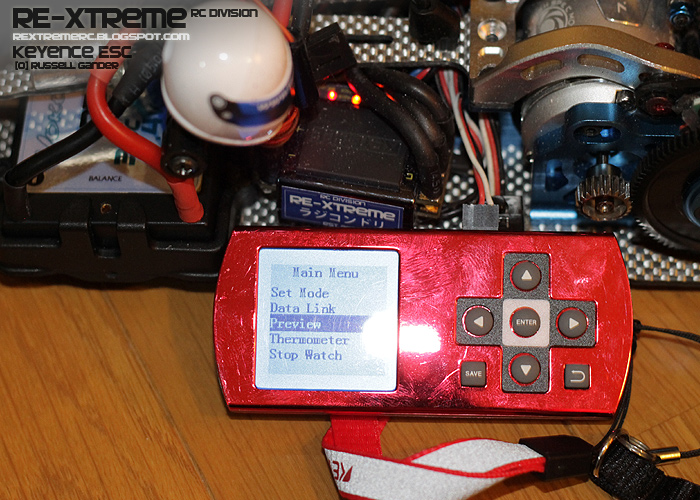
I love my Keyence ESC. It gives fantastic control and it NEVER EVER gets hot.
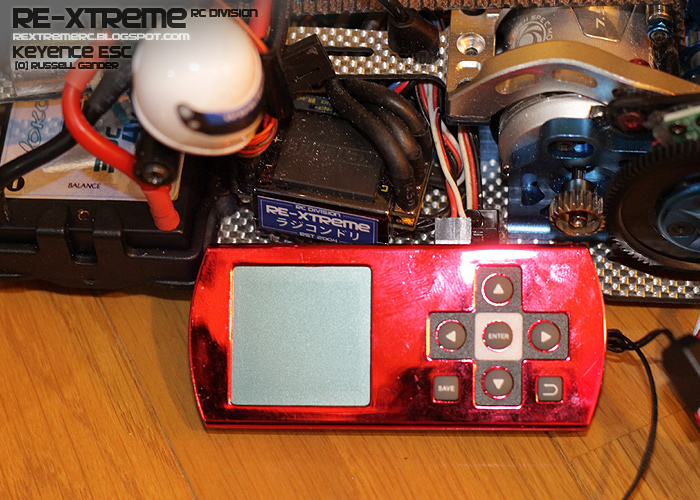
Because it's a Japanese Market Product the usage is straight forward, simply connect to the ESC and update.
But there's one thing that catches many every-time. Data Link .... FAIL! The English User manual for changing to Setting Mode on the Tachyon ESC is a little vague.
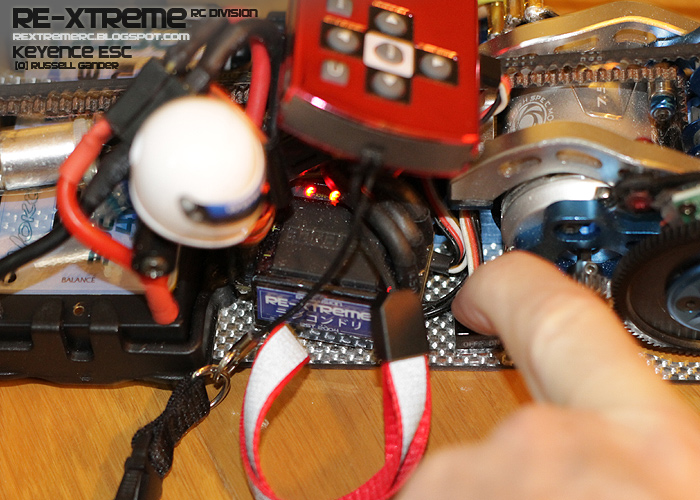
Turn it on, Press the ESC Button for 4 seconds until the lights change on the ESC. This will switch between RUN Mode and SETTING mode. While in SETTING mode the car will not run and you can change settings on the ESC itself with the buttons but TAO is much easier.
After Data Link updating is complete on the ESC, simply turn off the Tachyon ESC. Settings should be saved.
If you turn it on again and the car does not respond. You are probably still in SETTING mode so hold the button for 4 seconds to swap back to RUN mode.
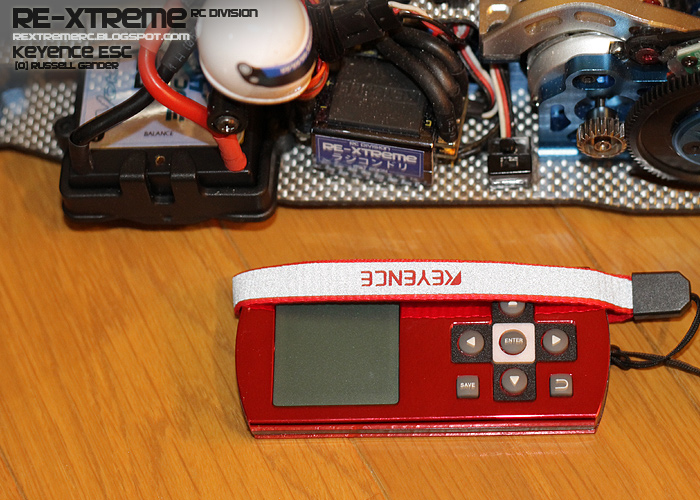
Lets look at the TAO itself.
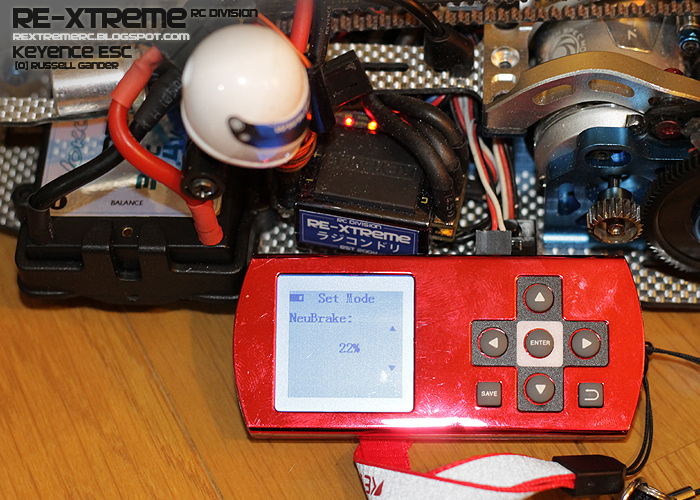
Set mode can be done anytime and does not need to be connected to the ESC. I'm only doing it here, because I didn't charge the TAO, it's running from the rc battery.
Simply adjust what you need and press save.
When you are ready, connect it all to the ESC with the receiver plug. Make sure you are in SETTING mode.
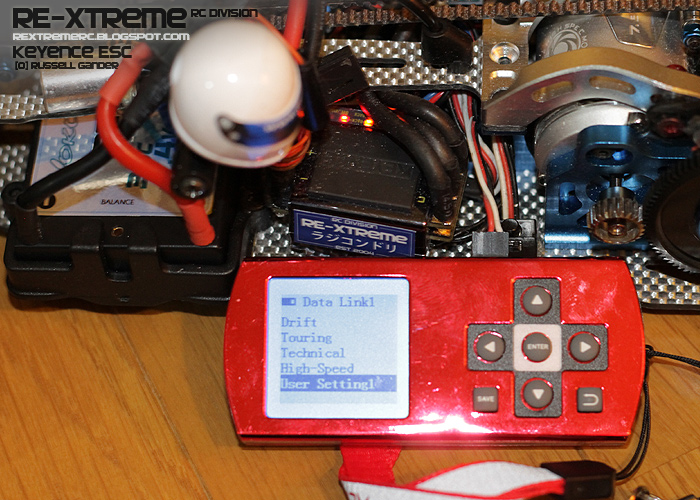
Then start the Data Link.
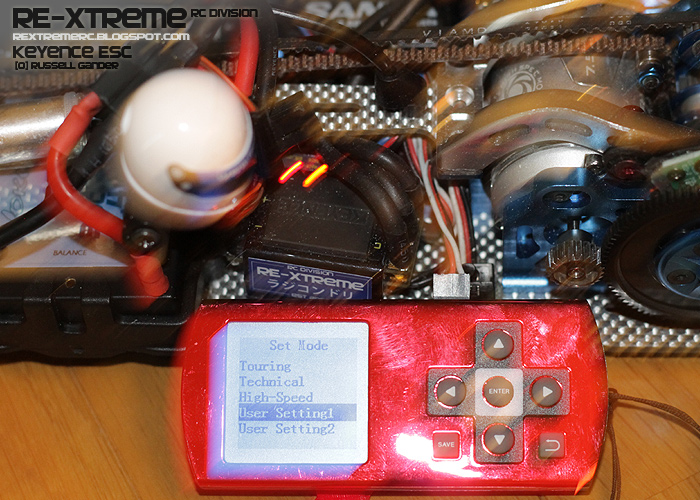
Select which one you want to use. There are 3 user settings you can adjust.
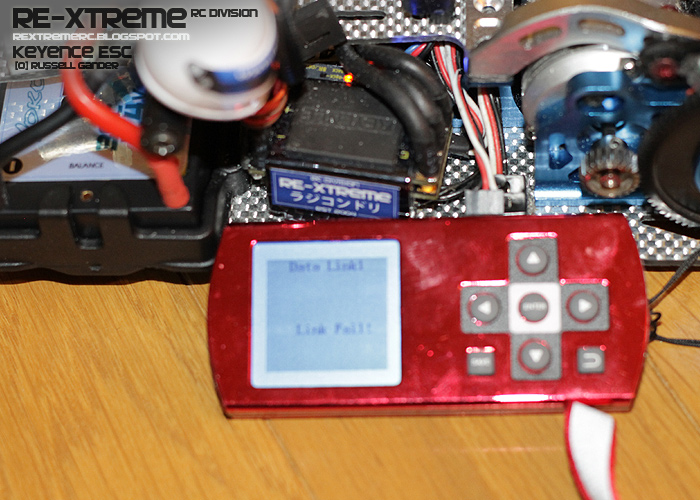
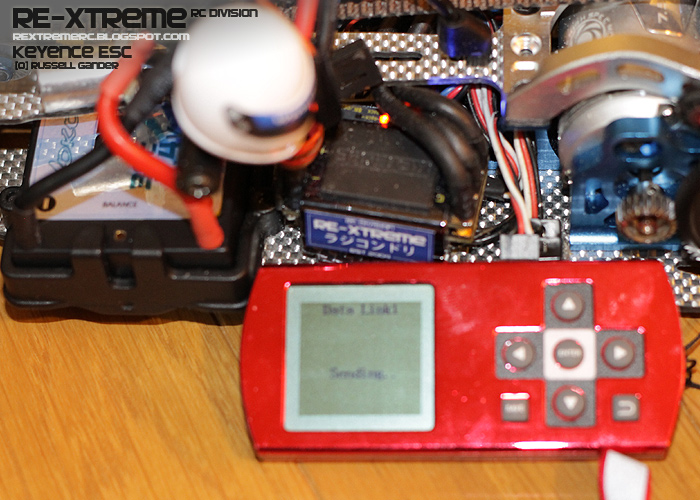
Press enter to send it to the Tachyon ESC. (note ESC is not in SETTING mode in this picture. ESC lights are different.)
So you will get the Link fail. (only for demonstration)
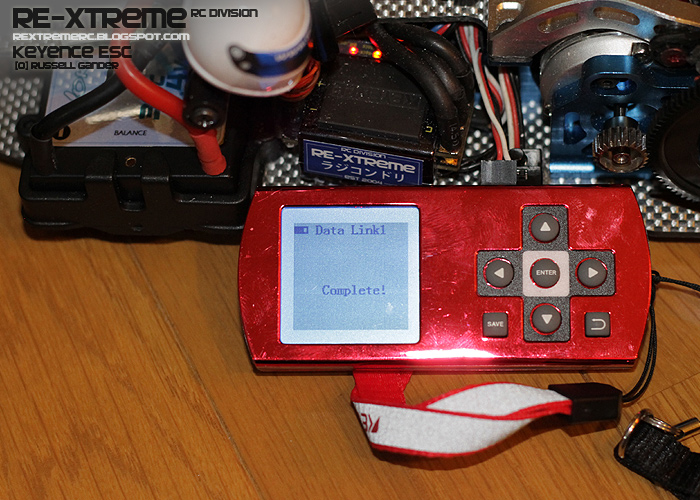
Change the mode to SETTING mode.
This is the desired result.
You can also Preview what settings you have on the ESC before you data link update or Review them after you data link update.
You can also press SAVE directly from Preview mode to adjust settings directly on the ESC.
Must be in SETTING mode only. It will perform a reverse Data Link also.
Happy Updating.
Russ.